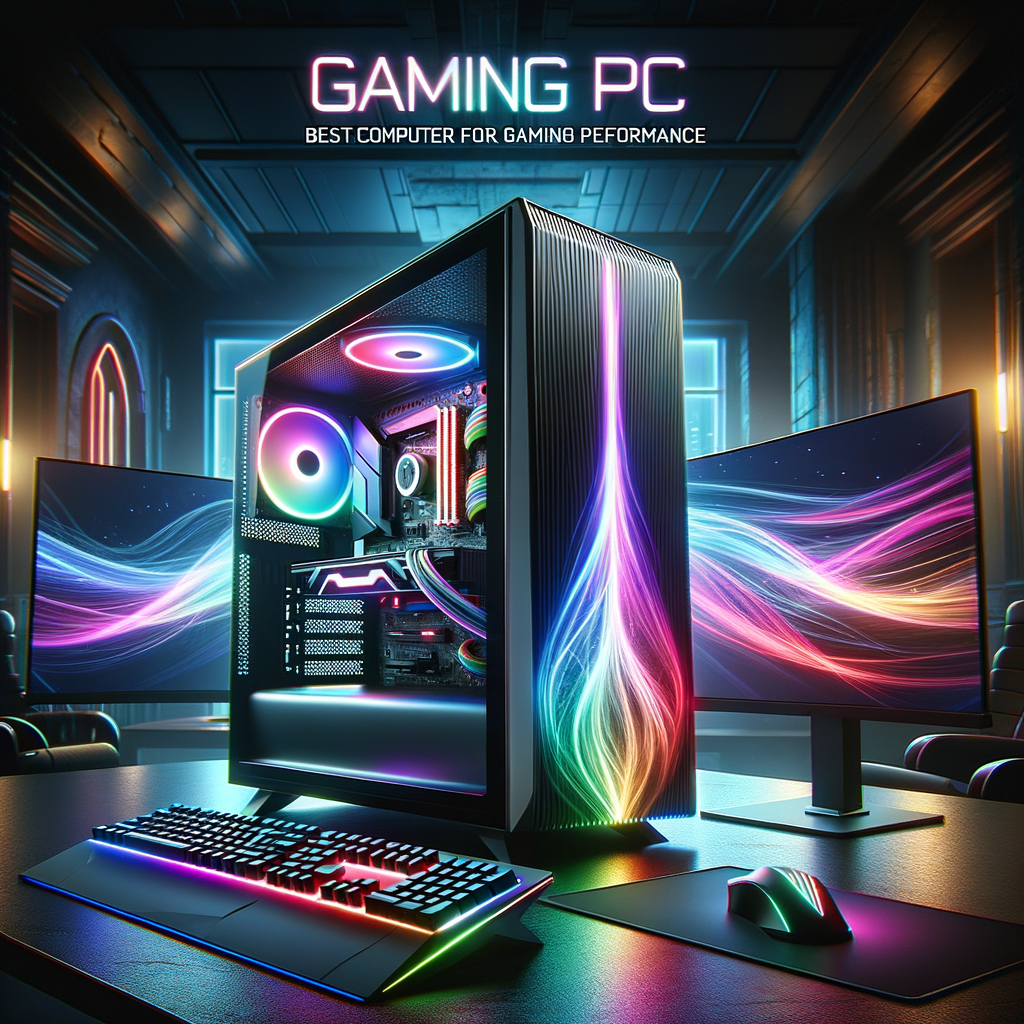
Gaming PC: How to Choose the Right Computer for an Exceptional Gaming Experience
A gaming PC is more than just a fast computer. It is a machine built to deliver smooth frame rates, sharp graphics, fast load times, and the flexibility to handle modern gaming demands. Whether you are a casual player, an esports competitor, or someone who enjoys immersive single-player worlds, the right setup can dramatically improve how you play.
With so many options available, choosing the right gaming PC can feel overwhelming. Should you buy a prebuilt system or build your own? How much should you spend? Which components matter most? In this guide, we will break down what makes a great gaming PC, how to choose one, and how to get the best value for your budget.
What Makes a Gaming PC Different?

A regular desktop computer can handle web browsing, office work, and streaming without much trouble. A gaming PC, however, is designed to run graphically demanding games smoothly while maintaining performance over long periods.
Key differences include:
- Stronger graphics capability for realistic visuals and higher frame rates
- Faster processors to handle game logic, physics, and multitasking
- More memory for modern games and background applications
- Better cooling to prevent overheating during long gaming sessions
- Upgradeable parts so the system can improve over time
A good gaming PC should not only run today’s games well but also remain capable for future releases.
The Core Components of a Gaming PC
Understanding the main parts of a gaming PC helps you make smarter choices. Each component plays a specific role in performance.
1. Graphics Card (GPU)
The GPU is the heart of any gaming computer. It renders images, textures, shadows, and effects on your screen. If you want higher resolutions, better visual quality, or higher frame rates, the GPU is one of the most important parts to prioritize.
For example:
- A budget GPU may be enough for esports titles like Valorant, League of Legends, or Rocket League
- A mid-range GPU can handle most modern games at 1080p or 1440p
- A high-end GPU is ideal for 4K gaming, ray tracing, and demanding AAA titles
If you want the best gaming experience, do not overspend on looks and neglect the graphics card.
2. Processor (CPU)
The CPU is the brain of the computer. It manages game calculations, AI, background tasks, and system operations. While the GPU handles most visual work, the CPU matters a lot in strategy games, simulation games, and fast-paced competitive gaming.
A strong CPU can help prevent bottlenecks, especially if you stream, record gameplay, or keep many apps open while gaming.
3. Memory (RAM)
RAM is short-term memory that lets your computer access data quickly. For gaming, 16GB is the current sweet spot for many players. It is enough for most modern games and everyday multitasking.
If you plan to:
- stream
- edit video
- run heavy mods
- keep multiple apps open
then 32GB may be a better choice.
4. Storage
Storage affects how quickly your games and system load. Solid-state drives, or SSDs, are much faster than traditional hard drives.
A smart setup usually includes:
- SSD for the operating system and favorite games
- larger secondary drive if you need more space for a big game library
Many players notice that upgrading from a hard drive to an SSD makes a gaming PC feel much faster overall.
5. Motherboard
The motherboard connects all the parts of the computer. It may not directly increase game performance, but it determines which CPU, RAM, and storage options you can use. A reliable motherboard also provides useful features such as better connectivity, more ports, and future upgrade options.
6. Power Supply Unit (PSU)
The PSU provides electricity to the entire system. A cheap or underpowered PSU can create instability or even damage components. For a gaming PC, quality matters more than just wattage. Look for a reputable brand and enough power for your specific hardware.
7. Cooling and Case
Gaming creates heat. A good case and cooling solution keep the computer stable and quieter during intense sessions. Depending on your build, this may include:
- air cooling
- liquid cooling
- well-placed case fans
- proper airflow design
Cooling is especially important if you play for long hours or use high-performance components.
Choosing the Right Gaming PC for Your Budget
Not every gamer needs a top-tier machine. The best gaming PC is the one that fits your goals and budget.
Budget gaming PC
A budget gaming PC is ideal for:
- esports titles
- older games
- casual play
- 1080p gaming at modest settings
This type of computer usually focuses on balanced performance and affordability. It is a great choice if you are entering gaming on a limited budget.
Mid-range gaming PC
This is the most popular category for many players. A mid-range gaming PC can handle:
- most modern games at 1080p or 1440p
- high graphics settings
- smooth frame rates
- multitasking and light streaming
For many users, this category offers the best value because it provides strong performance without the premium cost of a flagship system.
High-end gaming PC
A high-end gaming PC is built for maximum performance. It is ideal if you want:
- 4K gaming
- ultra settings
- high refresh rate monitors
- ray tracing
- content creation alongside gaming
This level of computer is usually more expensive, but it delivers the strongest visual experience and longevity.
Prebuilt vs. Custom Gaming PC
One of the biggest decisions is whether to buy a prebuilt system or build your own computer.
Prebuilt gaming PC
A prebuilt gaming PC comes assembled and ready to use.
Advantages:
- easy and convenient
- no assembly required
- usually includes warranty support
- ideal for beginners
Disadvantages:
- sometimes costs more for the same performance
- may include weaker components in less visible areas
- fewer options for customization
Prebuilt systems are a good choice if you want simplicity and fast setup.
Custom-built gaming PC
A custom build lets you choose every part.
Advantages:
- better value in many cases
- complete control over performance and style
- easier to prioritize the parts that matter most
- satisfying for enthusiasts
Disadvantages:
- requires research
- takes time to assemble
- may feel intimidating for first-time builders
If you enjoy learning about hardware, building a custom gaming computer can be both practical and rewarding.
How to Match a Gaming PC to Your Playing Style
Not all games demand the same hardware. The best gaming PC depends on what you actually play.
For esports and competitive games
If you play fast, competitive titles, focus on:
- high frame rates
- a strong CPU
- a responsive monitor
- a decent GPU that can push high FPS
Examples include Counter-Strike 2, Fortnite, and Valorant. These games often benefit more from speed and responsiveness than from ultra-high graphics.
For story-driven AAA games
If you love visually rich single-player games, prioritize:
- a powerful GPU
- enough VRAM
- fast SSD storage
- 16GB or 32GB of RAM
Games like Cyberpunk 2077, Red Dead Redemption 2, and Starfield can be very demanding, so graphics power matters more here.
For simulation, modding, and multitasking
Games like Minecraft with heavy mods, simulation titles, or strategy games may rely more on:
- CPU performance
- RAM capacity
- storage speed
If you like running game mods, background apps, or large creative projects, a balanced computer is often better than one focused only on graphics.
Important Features to Look For
Beyond raw performance, there are other factors that improve the gaming experience.
Refresh rate support
A high refresh rate monitor works best with a strong gaming PC. If your computer can output more frames per second, gameplay feels smoother and more responsive.
Connectivity
Check for useful ports and wireless support, such as:
- USB-C
- Wi-Fi 6 or newer
- Bluetooth
- multiple USB ports
- fast Ethernet
These features make it easier to connect accessories, headsets, controllers, and storage devices.
Upgrade potential
A smart gaming computer should leave room for future upgrades. Good upgrade potential means you can replace the GPU, add more RAM, or increase storage later instead of buying a whole new system.
Noise levels
Some gaming PCs are powerful but loud. If you care about comfort, look for systems with efficient fans, quality cooling, and well-designed airflow.
Common Mistakes to Avoid
Buying a gaming PC becomes much easier when you know what to avoid.
1. Buying based only on appearance
A flashy case with LED lights may look impressive, but looks do not guarantee strong gaming performance. Focus on the actual components inside the computer.
2. Overspending on one part
A balanced system is usually better than one where all the budget goes into a single component. For example, pairing a top-tier CPU with a weak GPU often creates poor gaming results.
3. Ignoring storage speed
A fast SSD can make the entire computer feel much more responsive. Many beginners underestimate how much storage affects everyday use.
4. Forgetting future needs
If you plan to play newer games, stream, or use your computer for other work, choose a system with some extra headroom.
5. Skipping research on compatibility
If you build your own PC, ensure that the CPU, motherboard, RAM, case, PSU, and GPU all work together. Compatibility mistakes can cost time and money.
Gaming PC Setup Tips for Better Performance
Once you have your system, a few simple adjustments can improve results.
Keep drivers updated
Graphics drivers help your computer run games properly and may improve performance or stability.
Optimize in-game settings
You do not always need ultra settings. Sometimes lowering shadows, reflections, or motion blur can significantly improve frame rates with little visual loss.
Monitor temperatures
If your computer gets too hot, performance may drop. Use proper airflow and keep dust under control.
Use an SSD for important games
Installing your most-played games on an SSD reduces load times and improves overall responsiveness.
Adjust background apps
Closing unnecessary apps while gaming can free up memory and CPU resources.
Is a Gaming PC Worth It?
For many players, the answer is yes. A gaming PC offers flexibility, strong performance, and access to a huge range of games. It can also serve as a powerful computer for work, school, streaming, and creative tasks.
Compared with other platforms, a gaming PC often provides:
- better graphics options
- higher frame rates
- mod support
- broader game libraries
- more upgrade potential
If gaming is one of your main hobbies, investing in the right computer can make a noticeable difference in enjoyment and performance.
Conclusion
A great gaming PC is built around your needs, your budget, and the types of games you enjoy. The best setup is not always the most expensive one; it is the computer that gives you the right balance of power, speed, storage, and upgrade flexibility.
By understanding the key components and avoiding common mistakes, you can choose a gaming system that delivers smooth, enjoyable gaming for years to come. Whether you buy prebuilt or build your own, the right computer can turn every session into a better experience.